Design your first flute
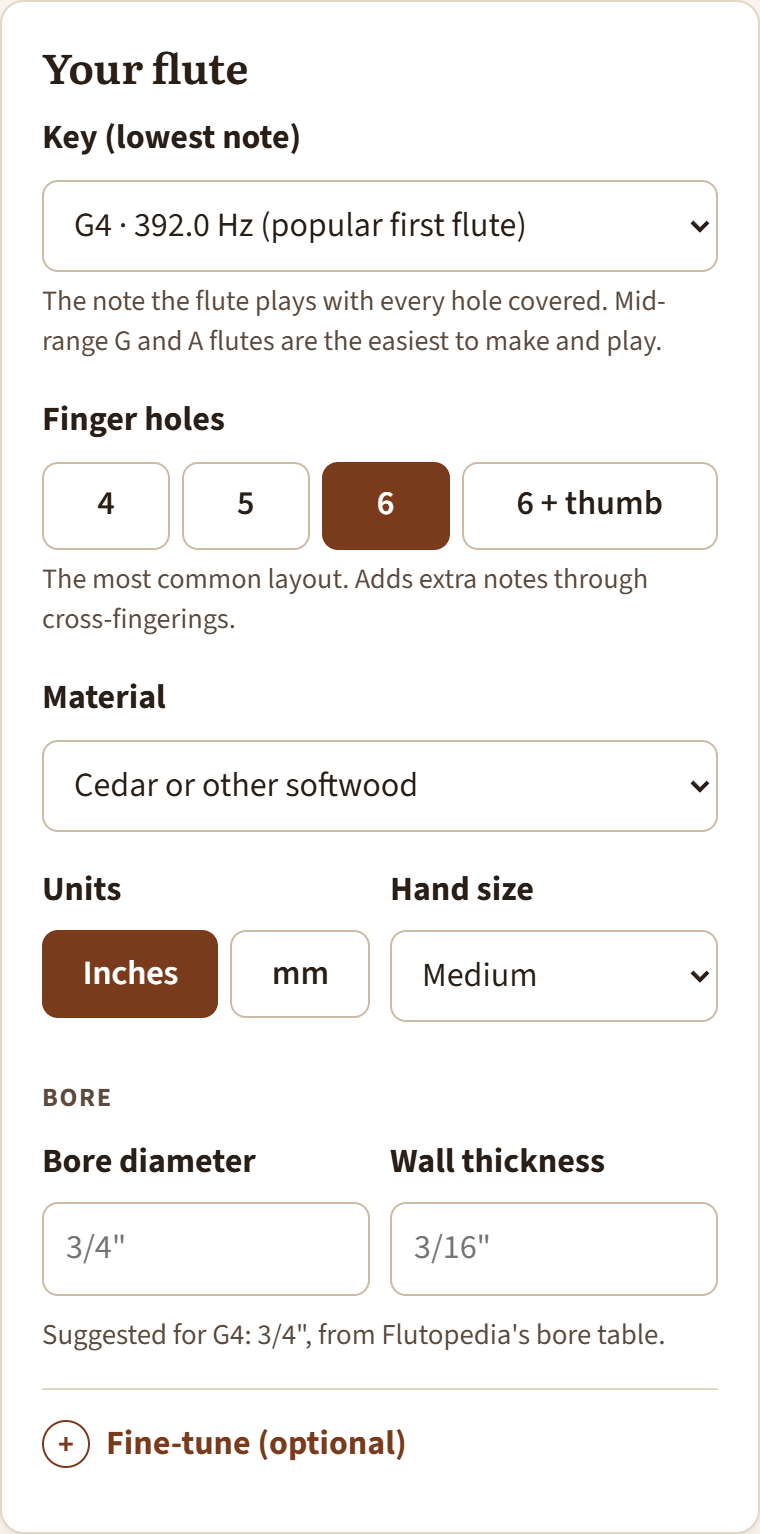
The calculator starts with a finished design. You only change what you care about, and everything updates as you go.
- Pick the key. This is the lowest note, played with every hole covered. For a first flute, choose G4 or A4: about 2 feet long, comfortable for most hands, and a 3/4" bore.
- Pick the number of finger holes. Six is the most common. Five is simpler and very forgiving.
- Pick your material and hand size. Material sets the wall thickness; hand size is used to check that you can reach the holes.
- Leave the bore as suggested unless you have a reason to change it. If you cut the bore with a particular bit or drill, enter that size.
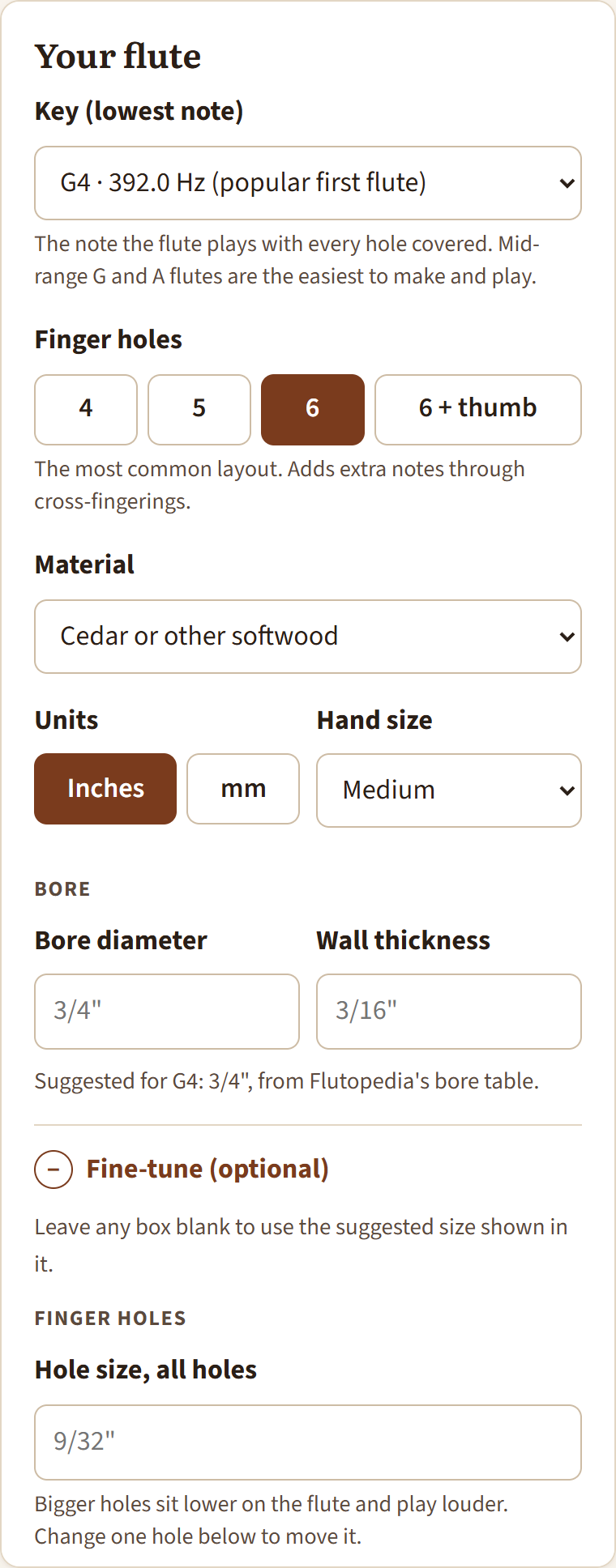
Fine-tune (optional)
Open Fine-tune to change hole sizes, the direction holes, the sound hole and flue, the ramp and splitting-edge angles, the mouthpiece end, or the tuning pitch. Each box shows the suggested value in gray; leave it blank to keep it. A box you change turns orange, and Reset everything to the suggestions puts it all back.
Low and bass flutes
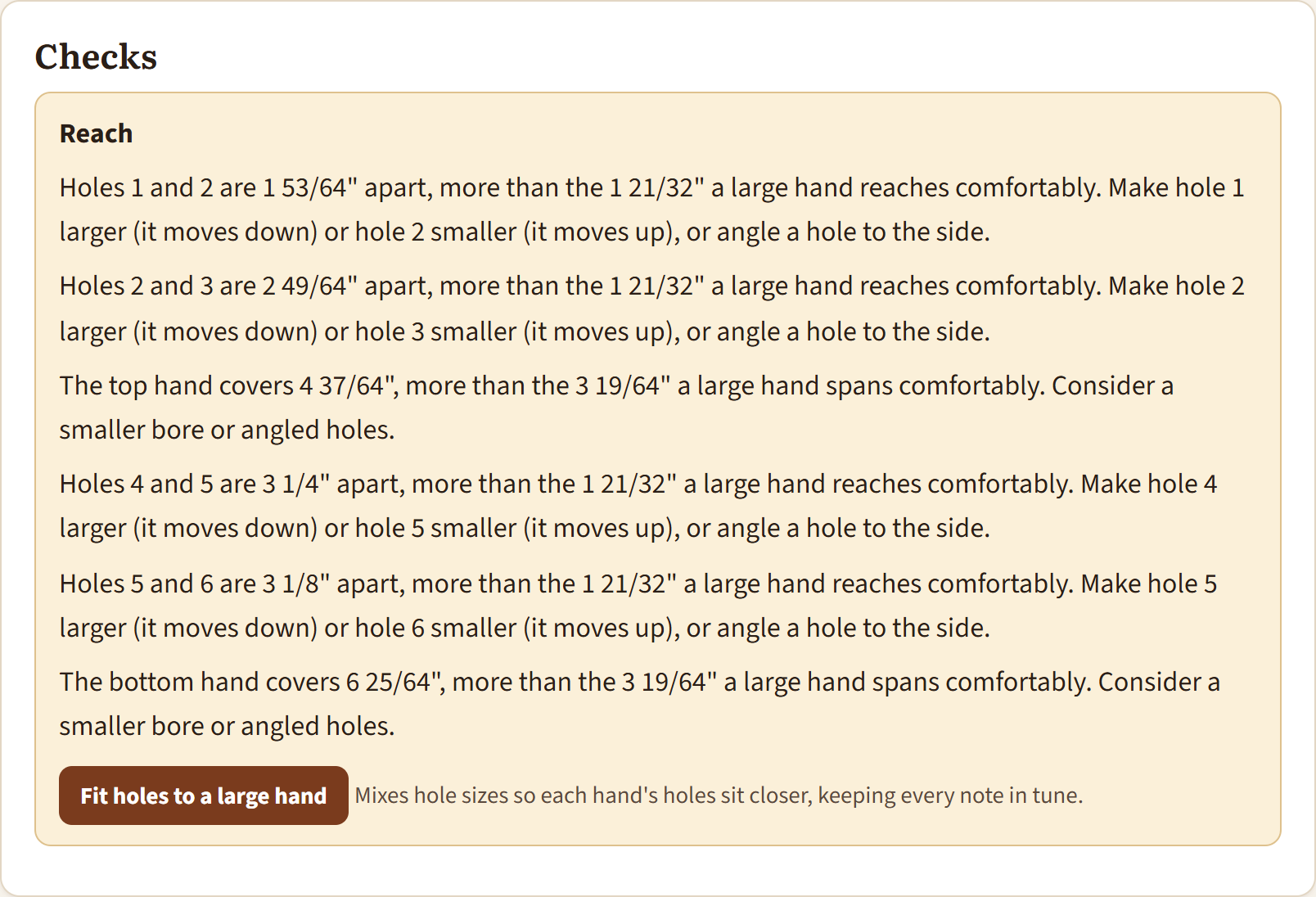
Big flutes have holes far apart. If the Checks card says a hole is out of reach, click Fit holes to a … hand. The calculator mixes hole sizes (smaller holes move up, larger ones move down) to pull each hand's holes together while keeping every note in tune.